
Unlocking
To unlock the charger follow the steps outlined below:
1

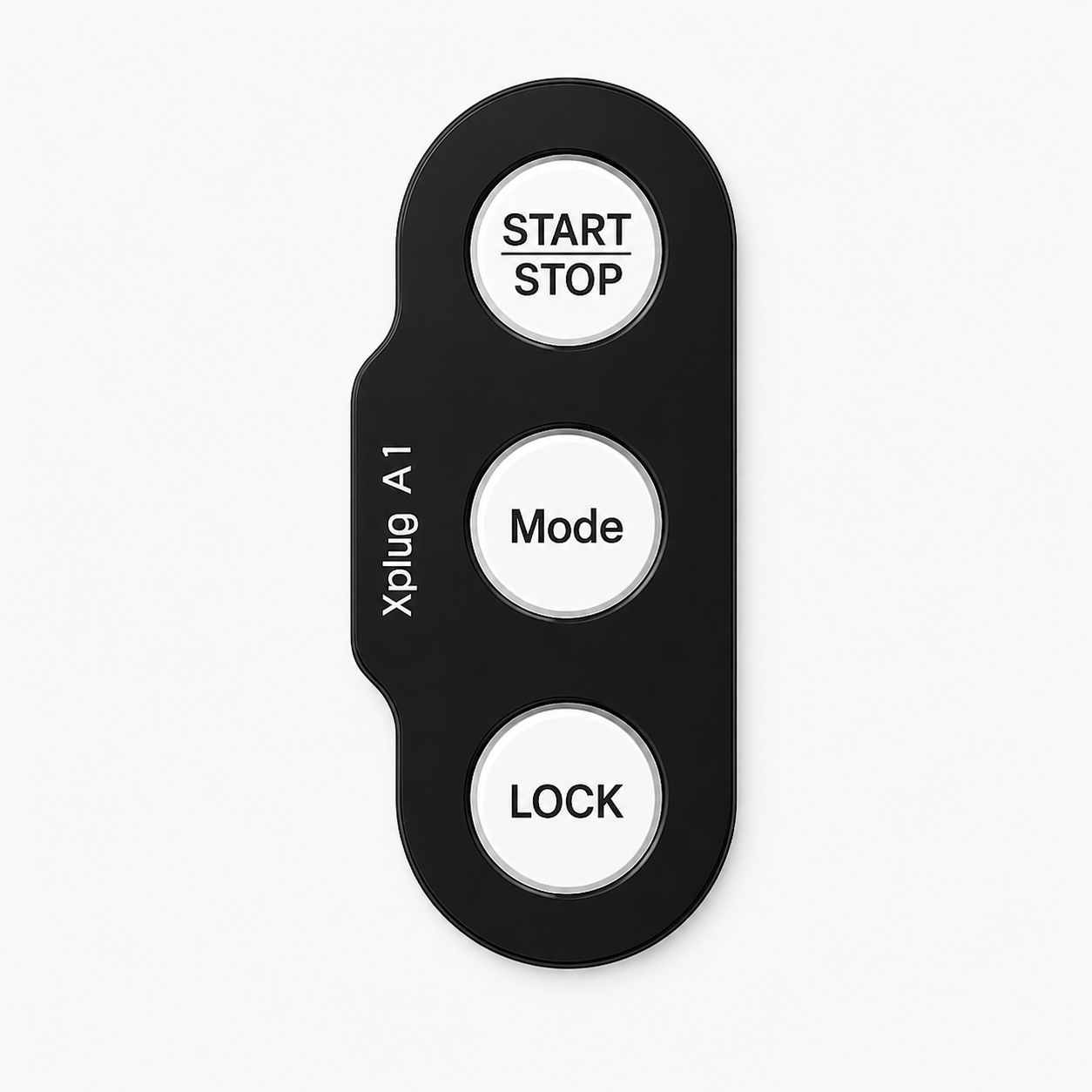
Press the Lock button. The buttons will turn Red, Green and Blue.
2


Enter your pattern by pressing the colours from your lock pattern in sequence. Each button will flash to confirm input.
3
The charger buttons will briefly flash white
4
to confirm your pattern has been accepted. The lock light changes from red to green.
If you enter the incorrect lock pattern, all 3 buttons will flash red. Please retry the process and use the correct pattern.