
Changing Lock Pattern
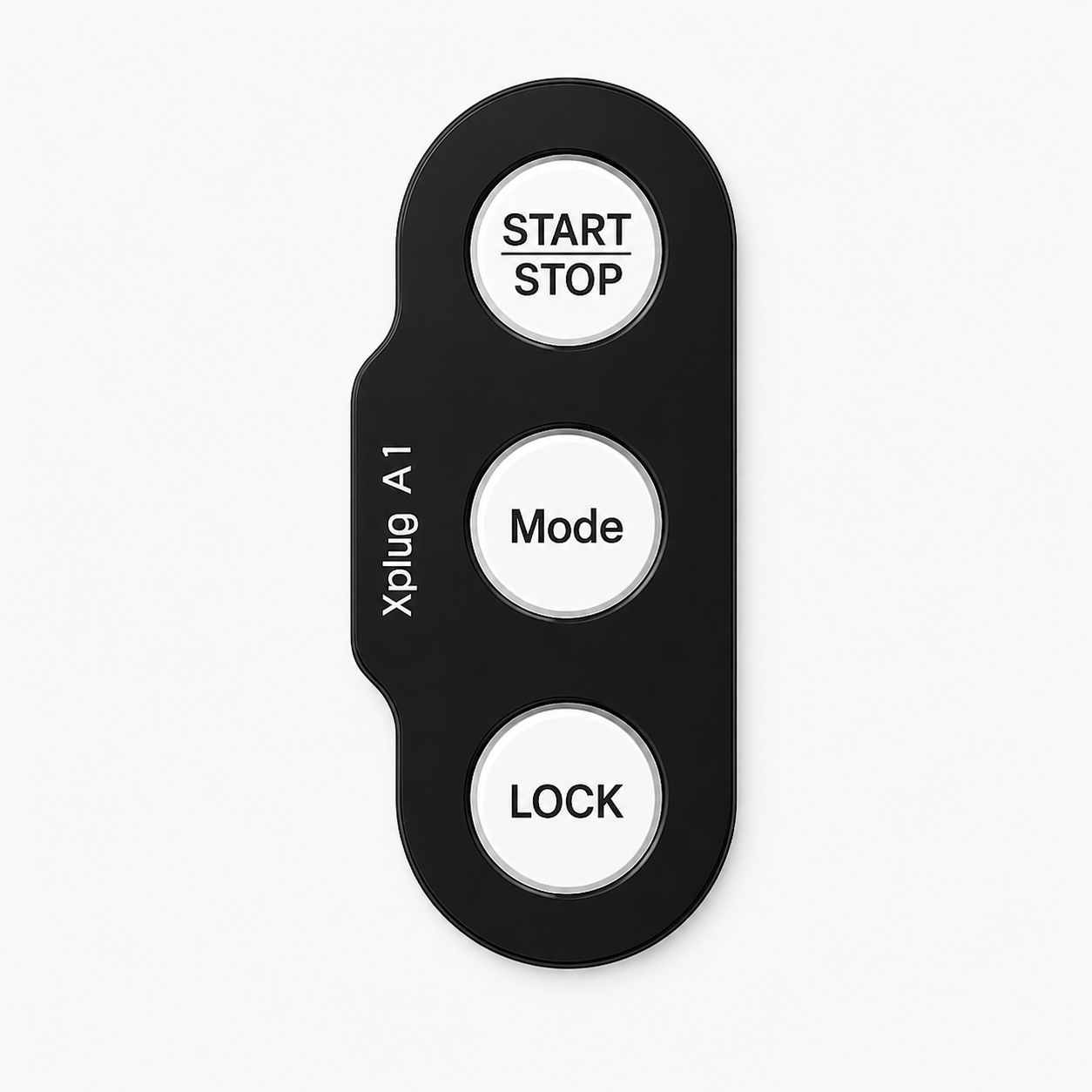
To change your lock pattern from the default pattern set from the factory, follow the steps below:
1

Make sure the charger is not in use.
2

Ensure the charger is unlocked. Press and hold the lock button for 5 seconds.
3


Enter your current lock pattern.
4
Lights will flash purple to confirm your current pattern has been accepted.
5
Enter your new 4-colour pattern.
6
Lights will flash purple to confirm your new pattern has been accepted.
7
The charger will now display your chosen pattern back to you, one colour at a time.
Choose a pattern that's easy for you to remember but hard for others to guess.
If you enter the incorrect lock pattern, all 3 buttons will flash red. Please retry the process and use the correct pattern.