
Changing Modes
Please follow the steps outlined below to change the charging mode.
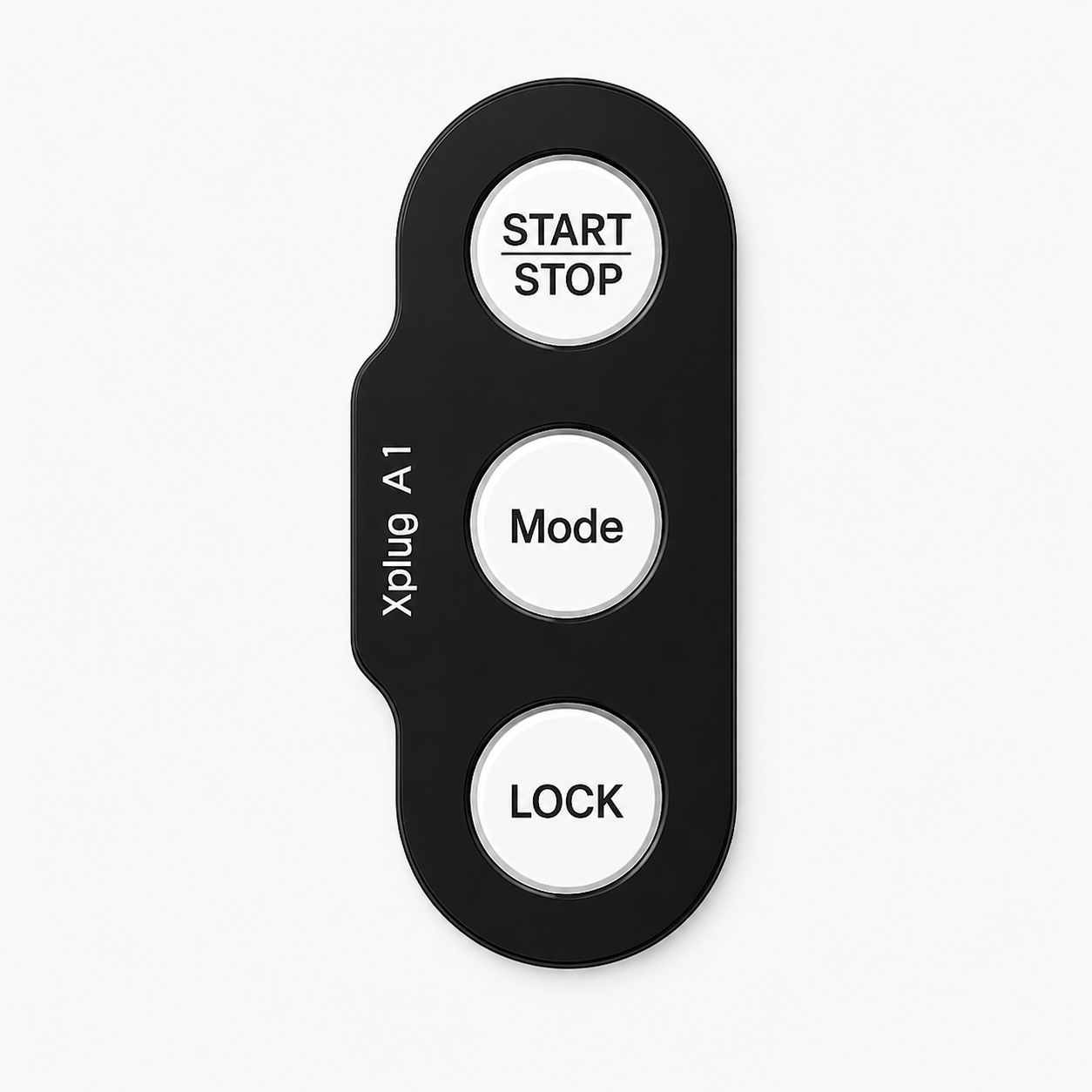
- Instant
- Delay
- Smart
1
Make sure the charger is not in use.
2
Unlock the charger if it is Locked.
3

Press mode button to cycle between 3 modes.
4
The charger buttons will briefly flash white to confirm change.
Instant
Use Instant Mode when you need a quick charge and don't want to wait for a schedule.
Delay
Use Delay Mode to start the charging at your chosen start time. You can press Start/Stop button to begin charging immediately.
Smart
Charger automatically manages the Reduced charging costs & Demand on electricity grid.