App User Guide
Welcome to the XPlug Smart App User Guide.
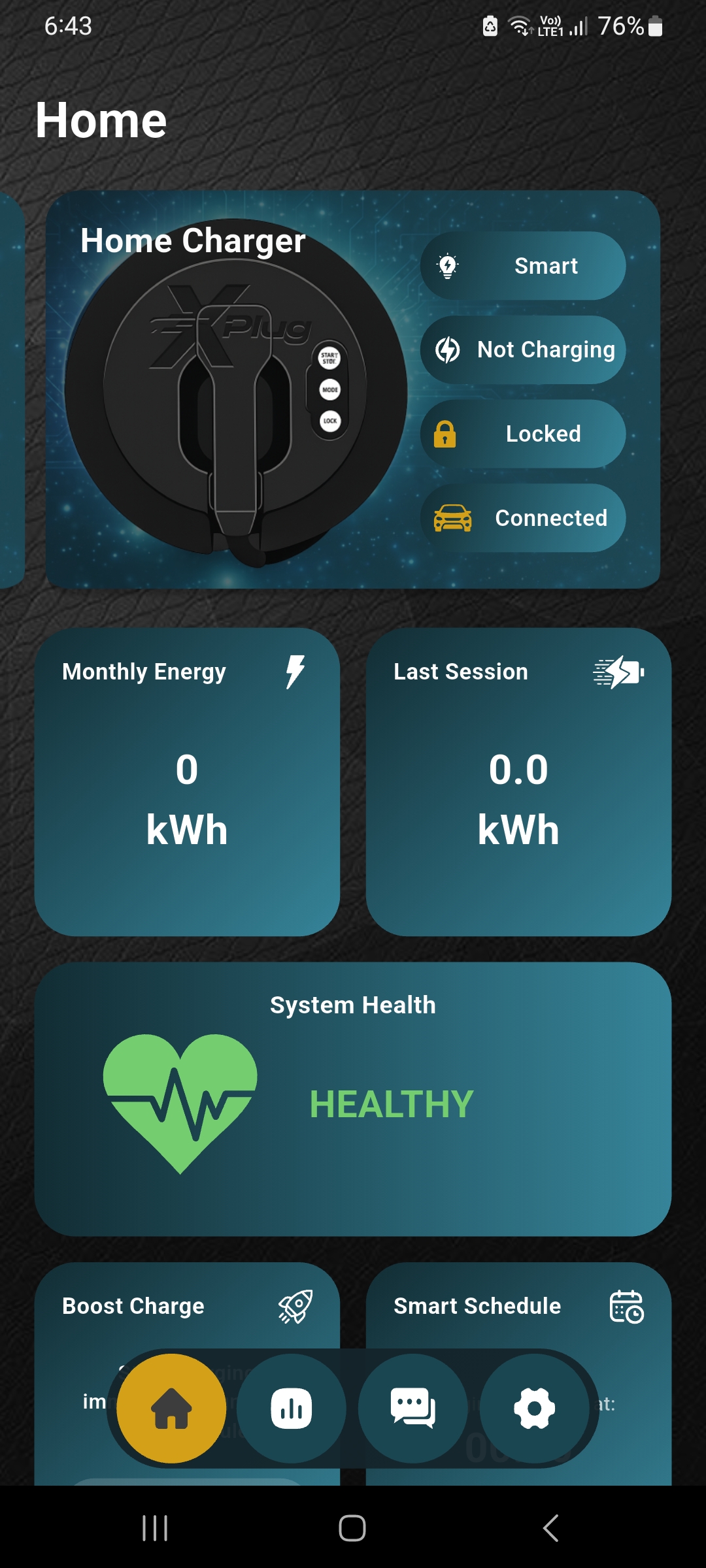
The XPlug Smart App is designed to give you complete control over your EV charging experience directly from your mobile device. Using the app, you can monitor charging activity, manage charging schedules, track charging sessions, control charger settings, and access smart charging features anytime and anywhere.
This guide will help you understand how to set up, connect, and use the XPlug Smart App efficiently. Whether you are installing the app for the first time or exploring advanced smart charging features, the step-by-step instructions provided here will help you get the best experience from your XPlug A1 charger.
The XPlug Smart App is available for both Android and iOS devices and is designed to provide a simple, secure, and convenient EV charging experience.